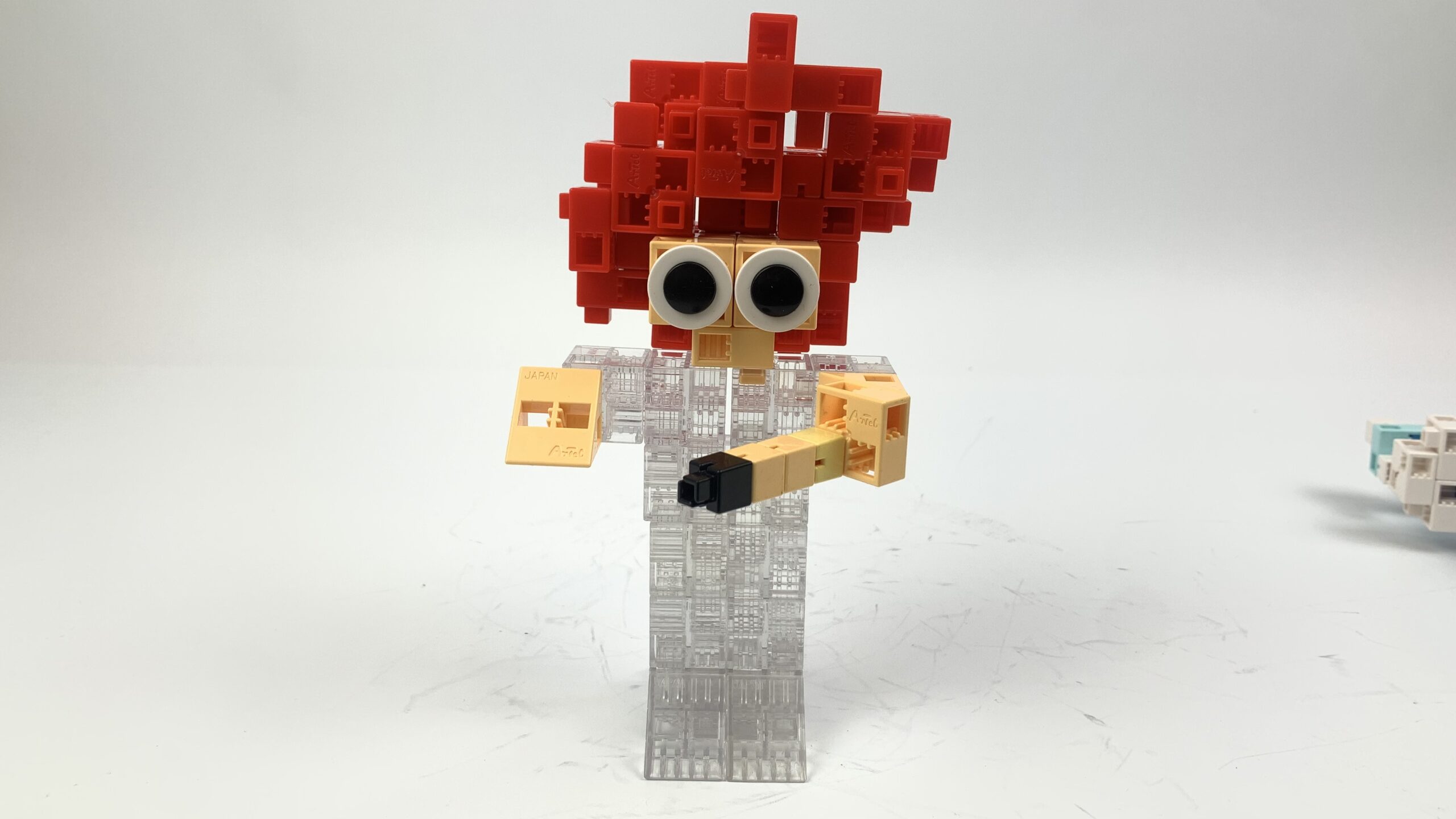
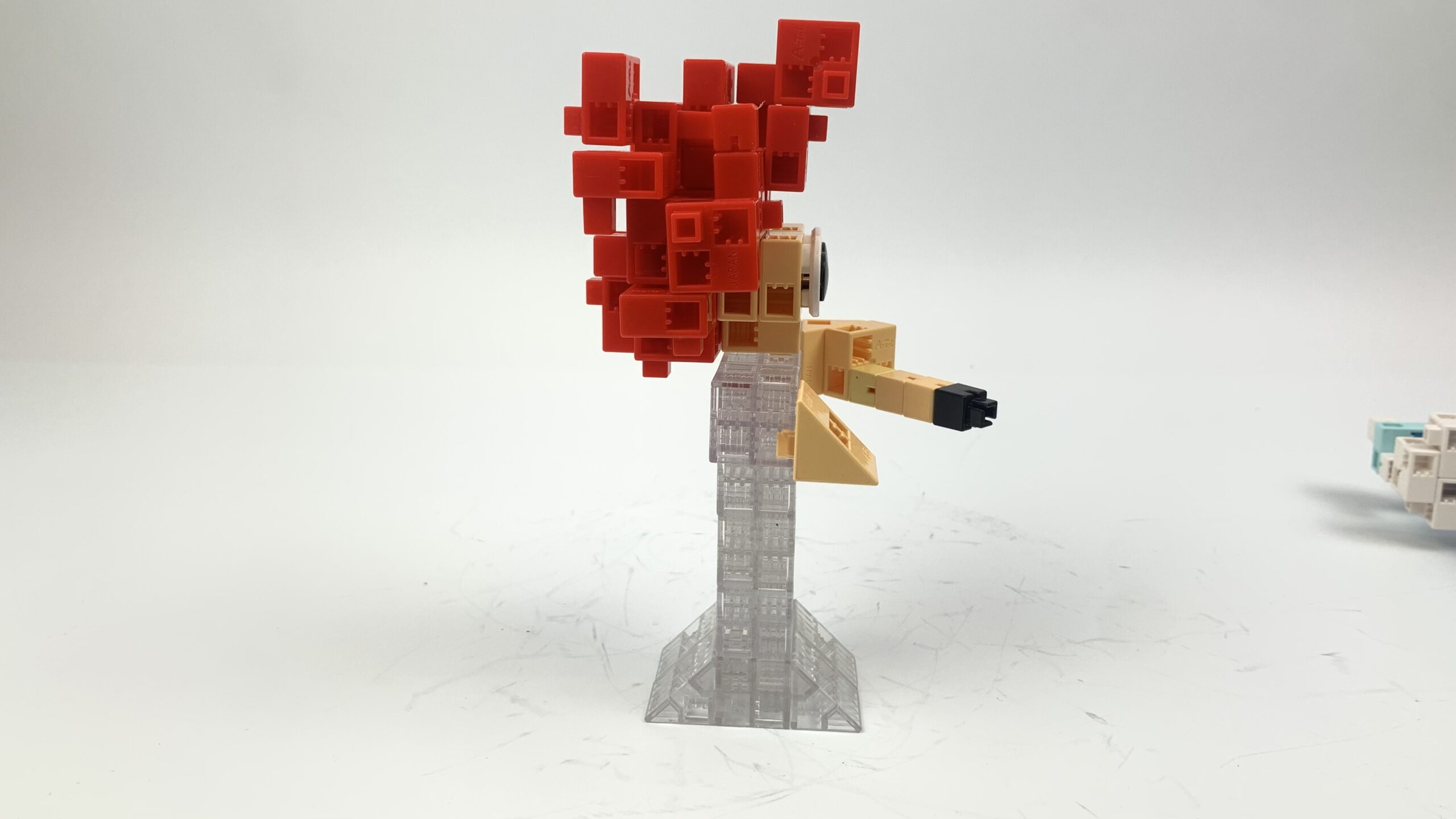
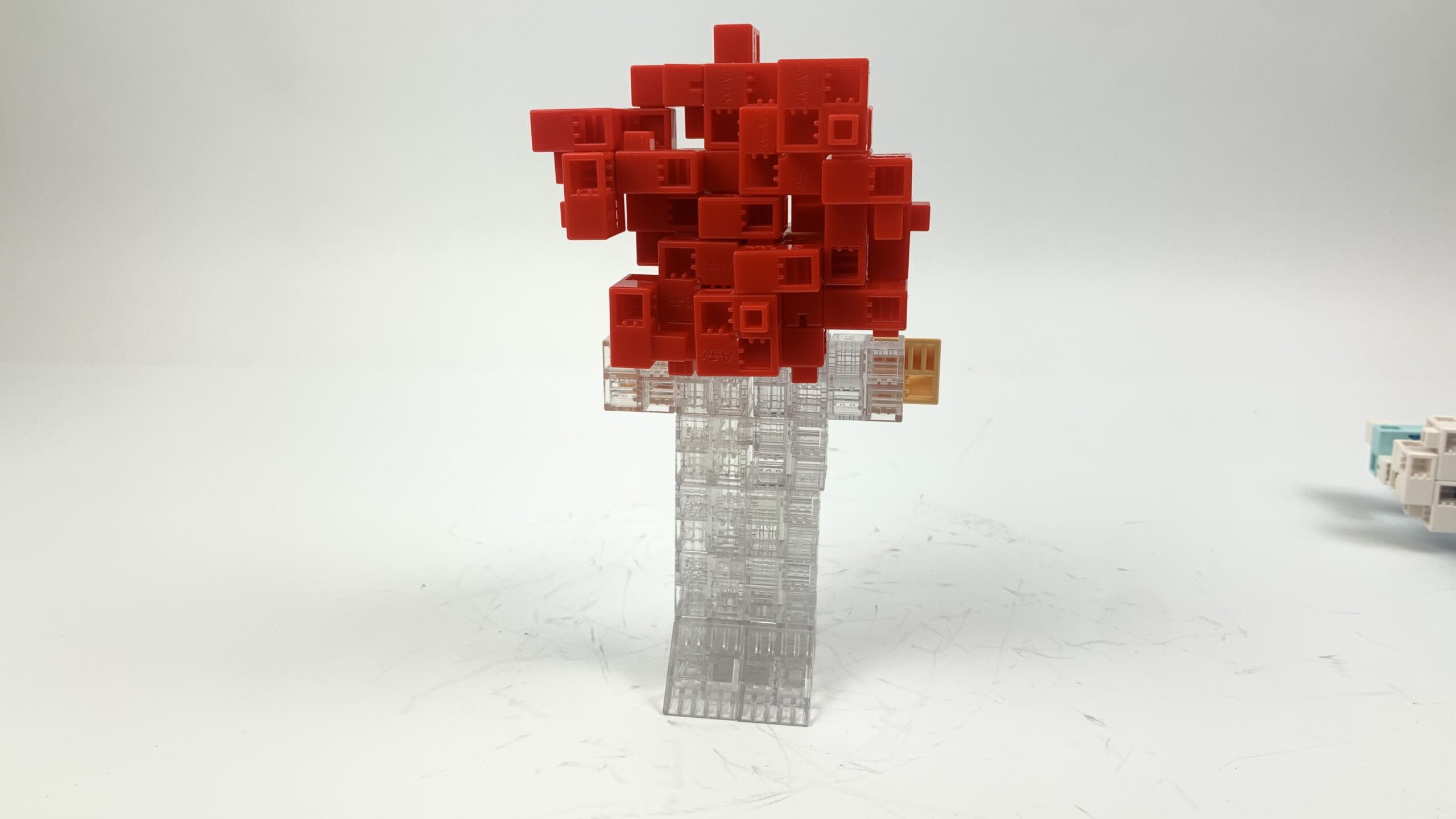
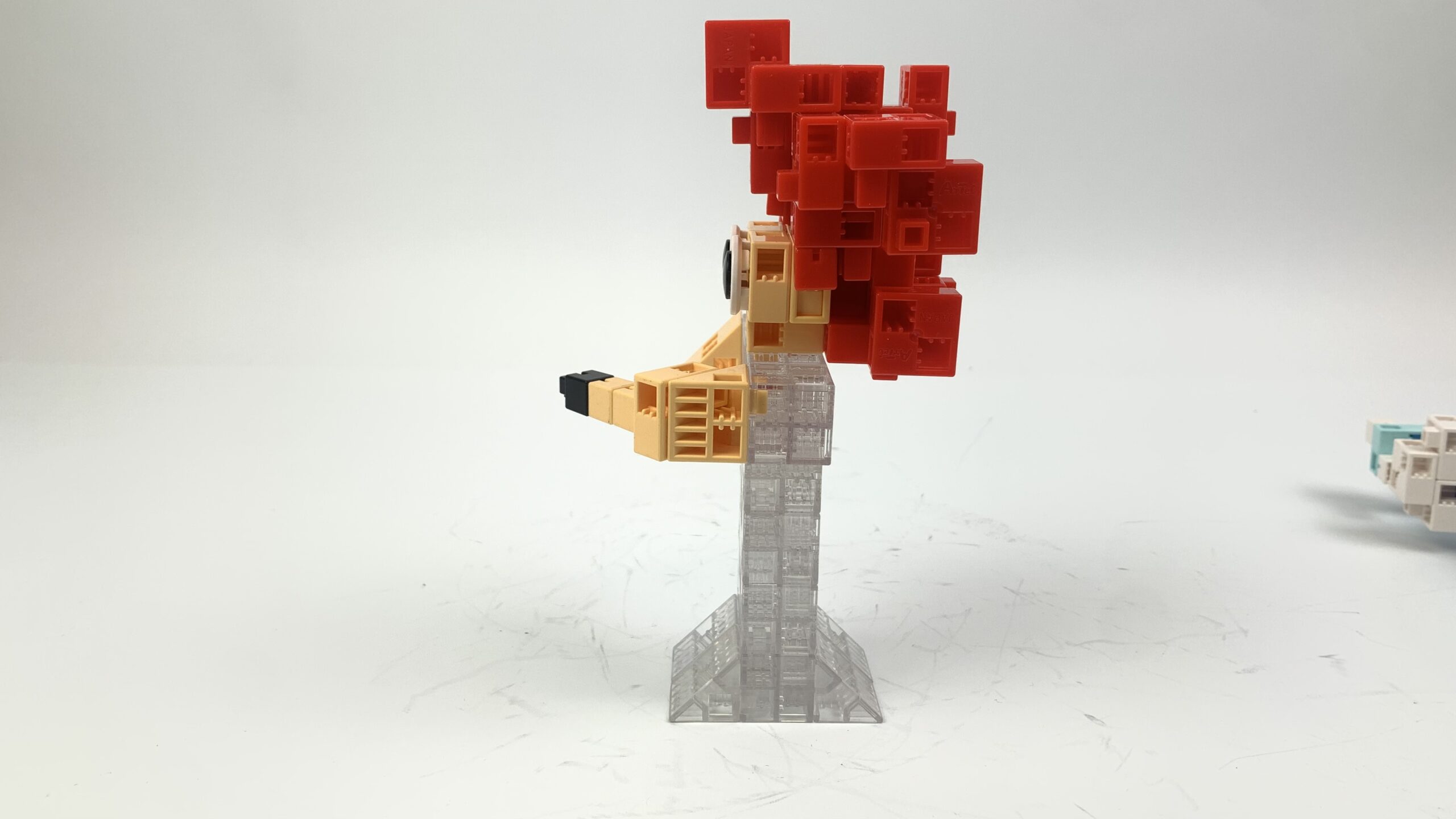
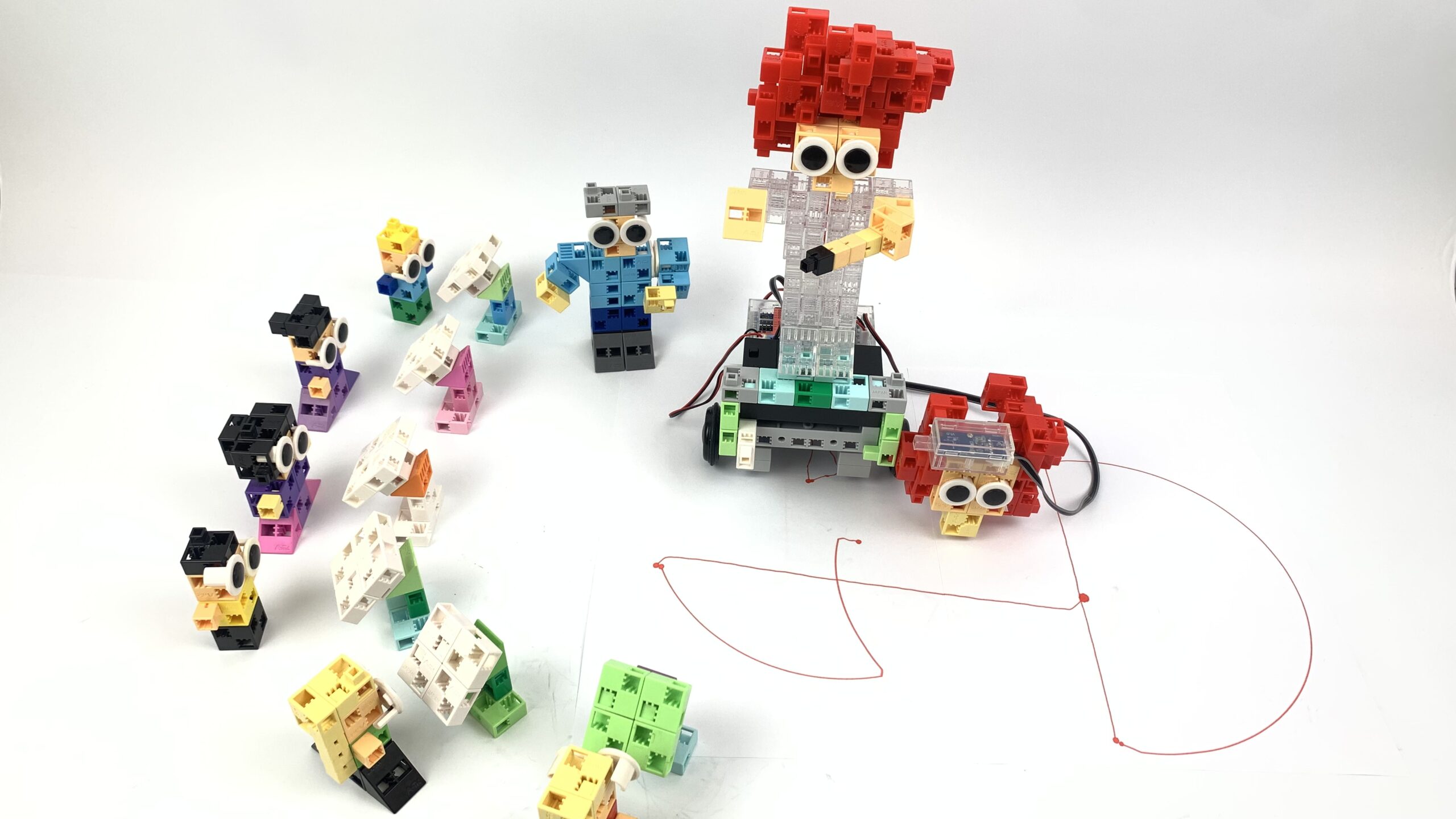
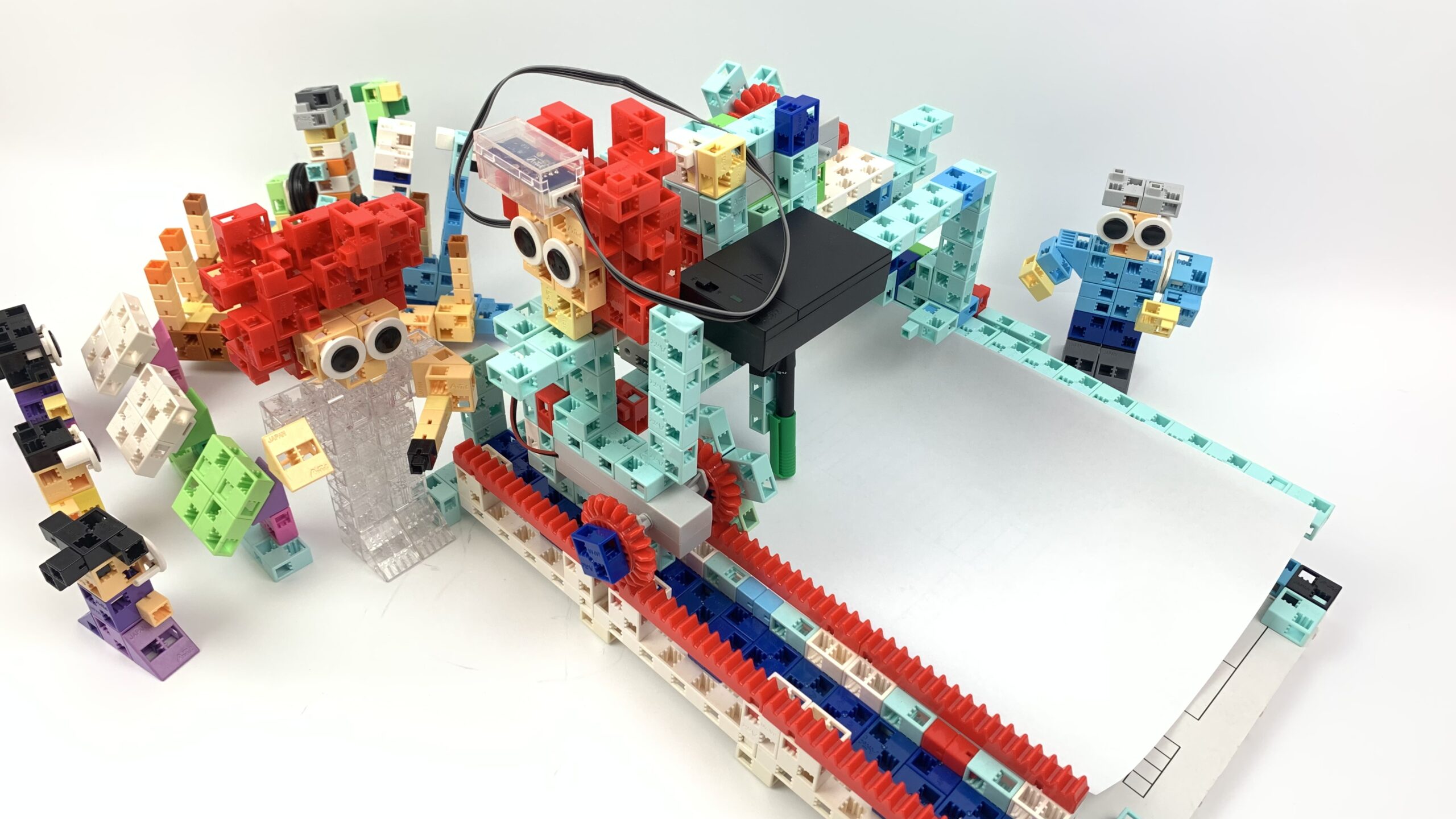
Teacher, children, Pumuckl and the chimney sweep

Programming level 1

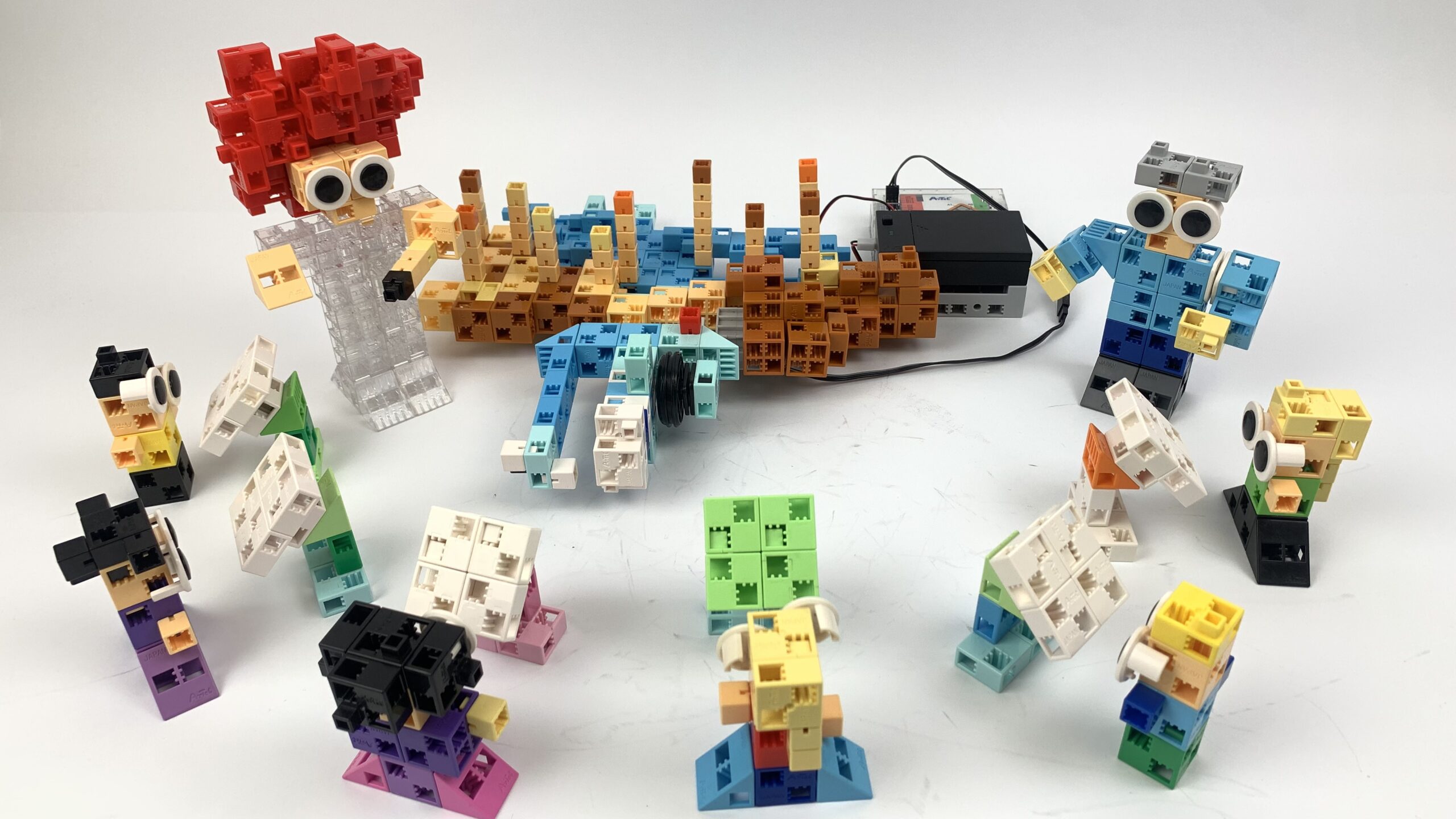
Teacher and children in the classroom

P1

How to build

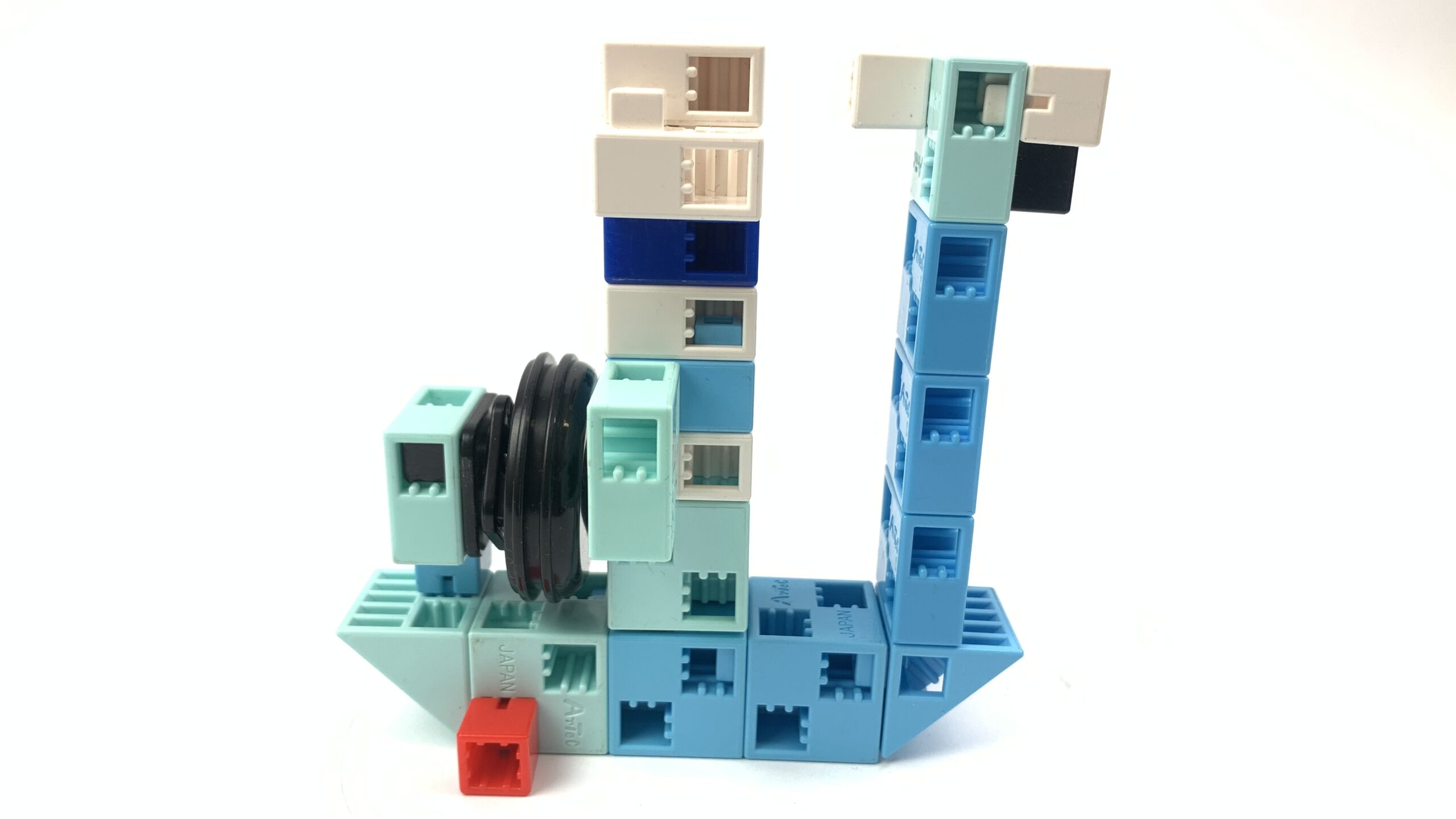
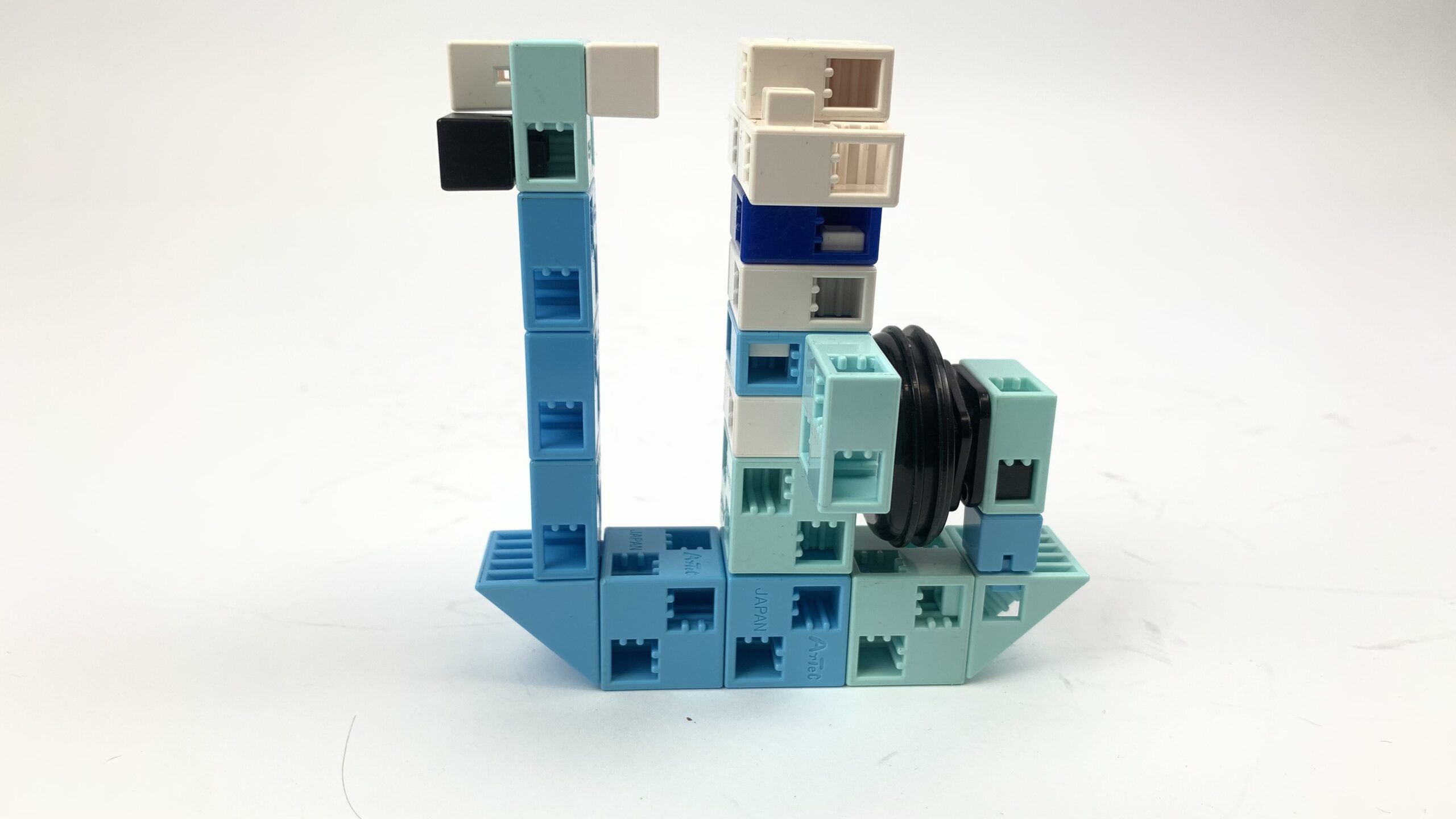
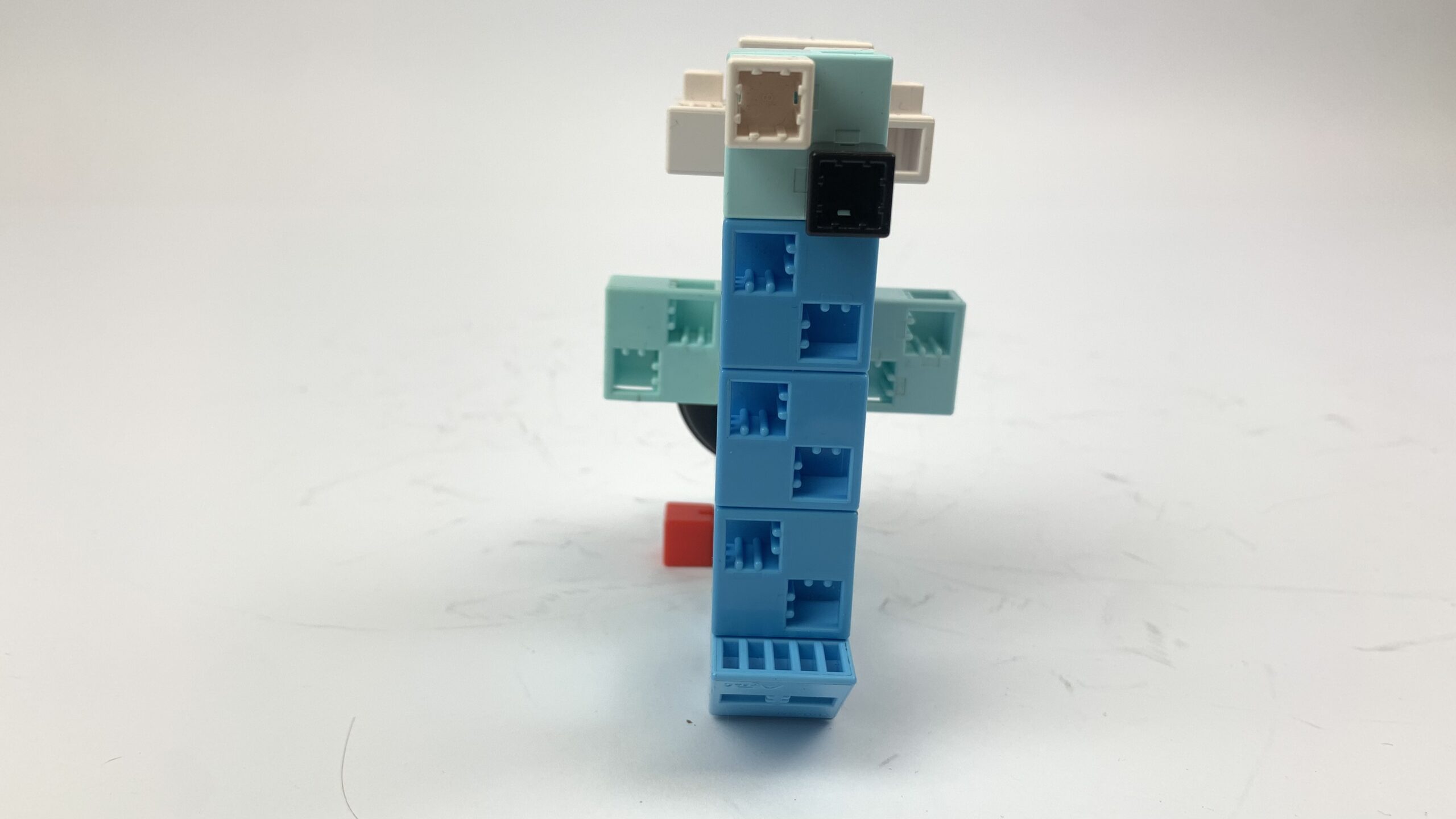
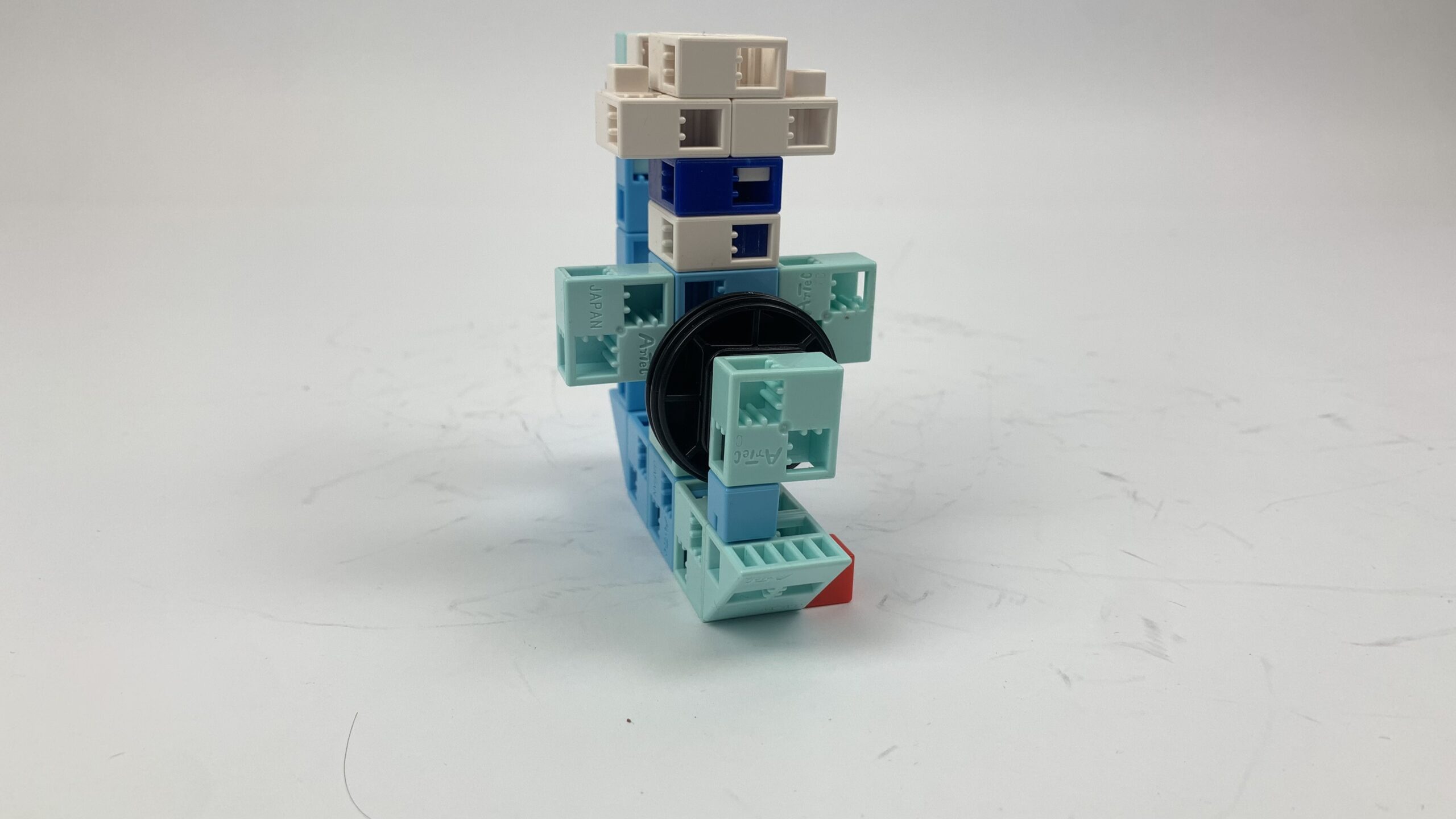
The robot

  • Static figures
  • Build the figures so that they look different
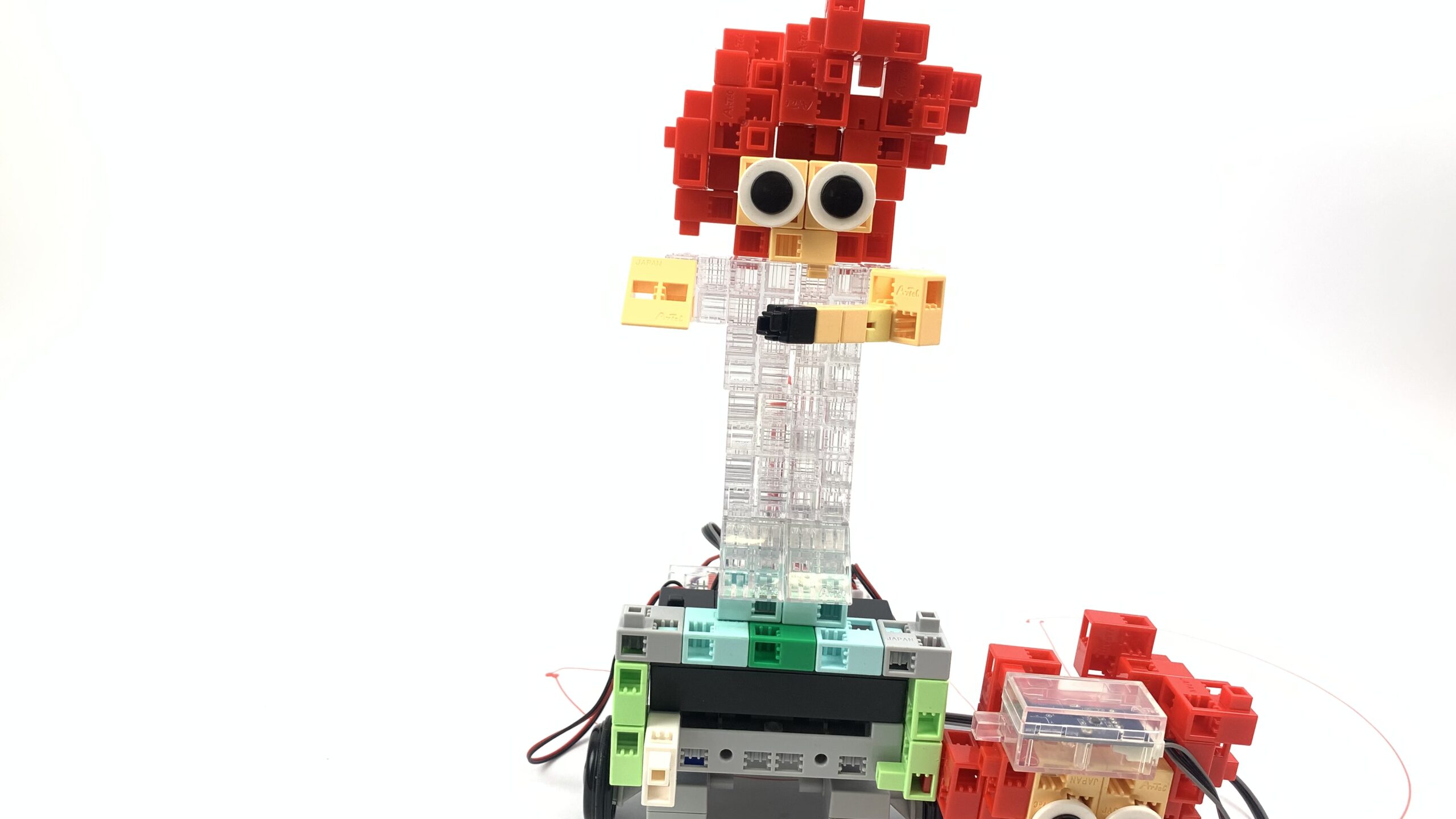
  • The teacher should be recogniseable, he could be taller than the pupils or be depicted by standing

P1

Static figures

P1

P2

Programming level 2

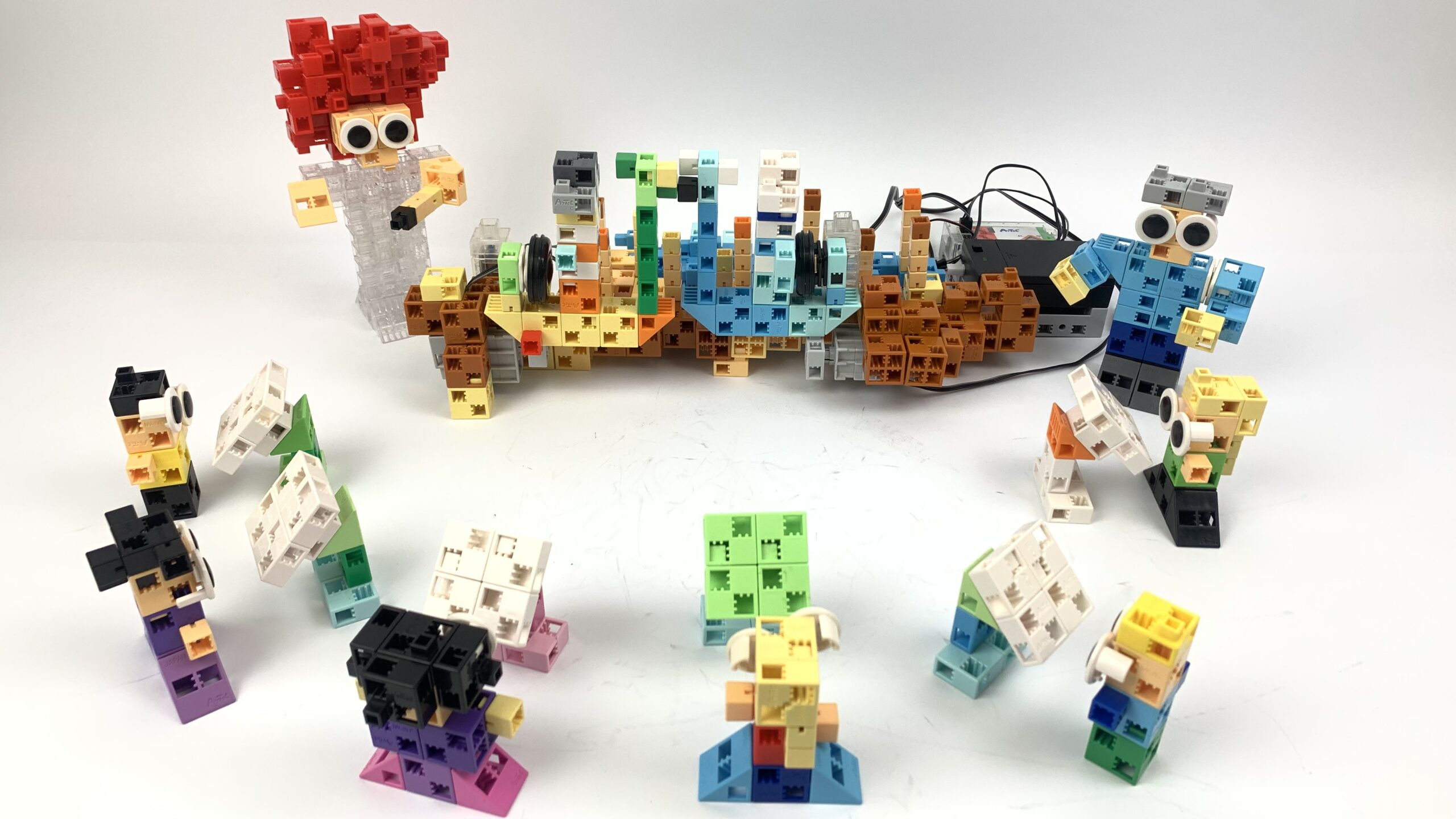
Teacher and children in the classroom

P2

How to build

The robots

  • Build the figures from P1
  • They can talk with the help of buzzers
  • They can walk using DC motors and stop in front of an barrier (at the window): use a touch sensor or IR photoreflector to do this

P2

The robots

P2

P2

Programming level 3

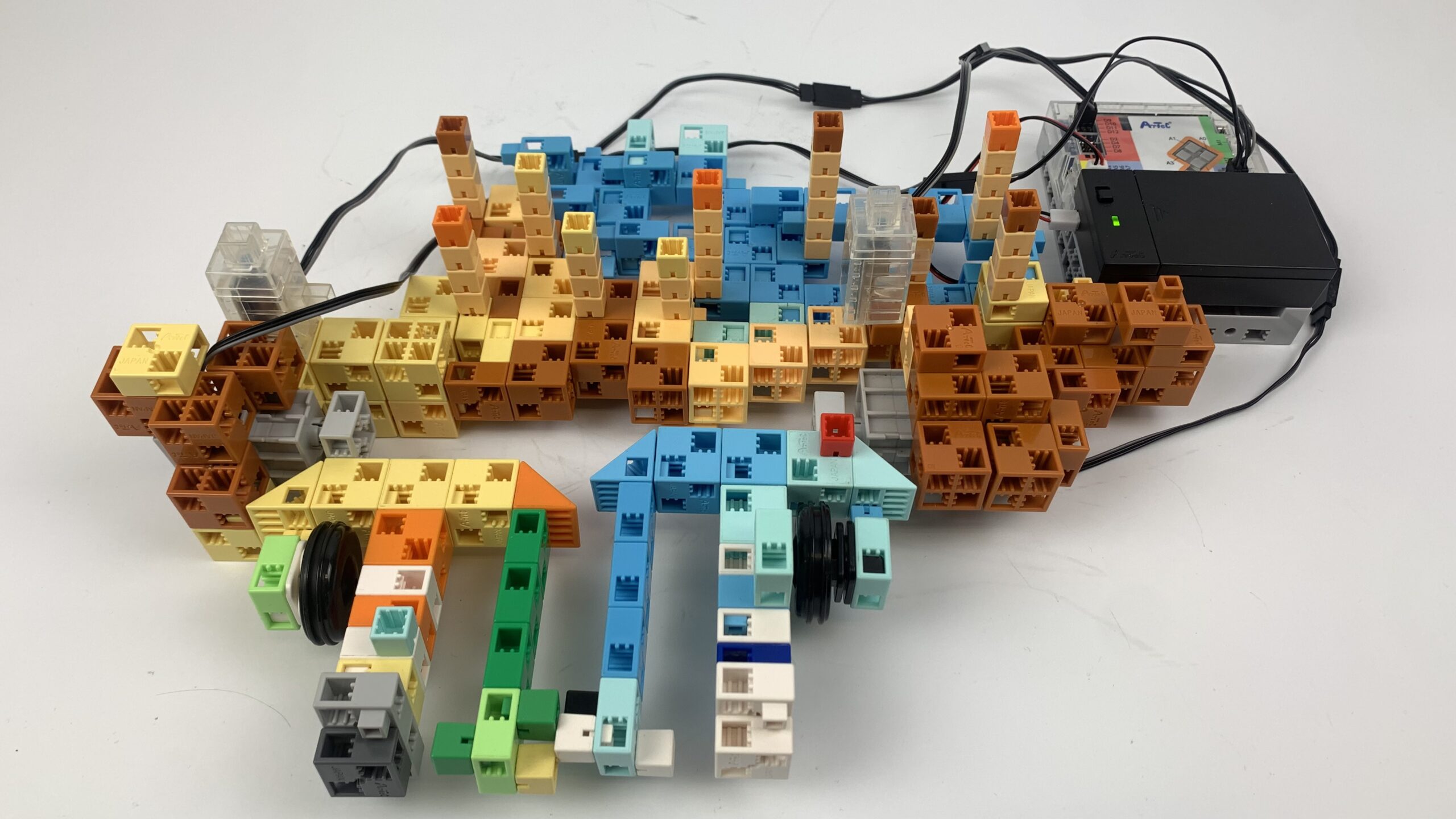
Pumuckl

P3

How to build

The robots

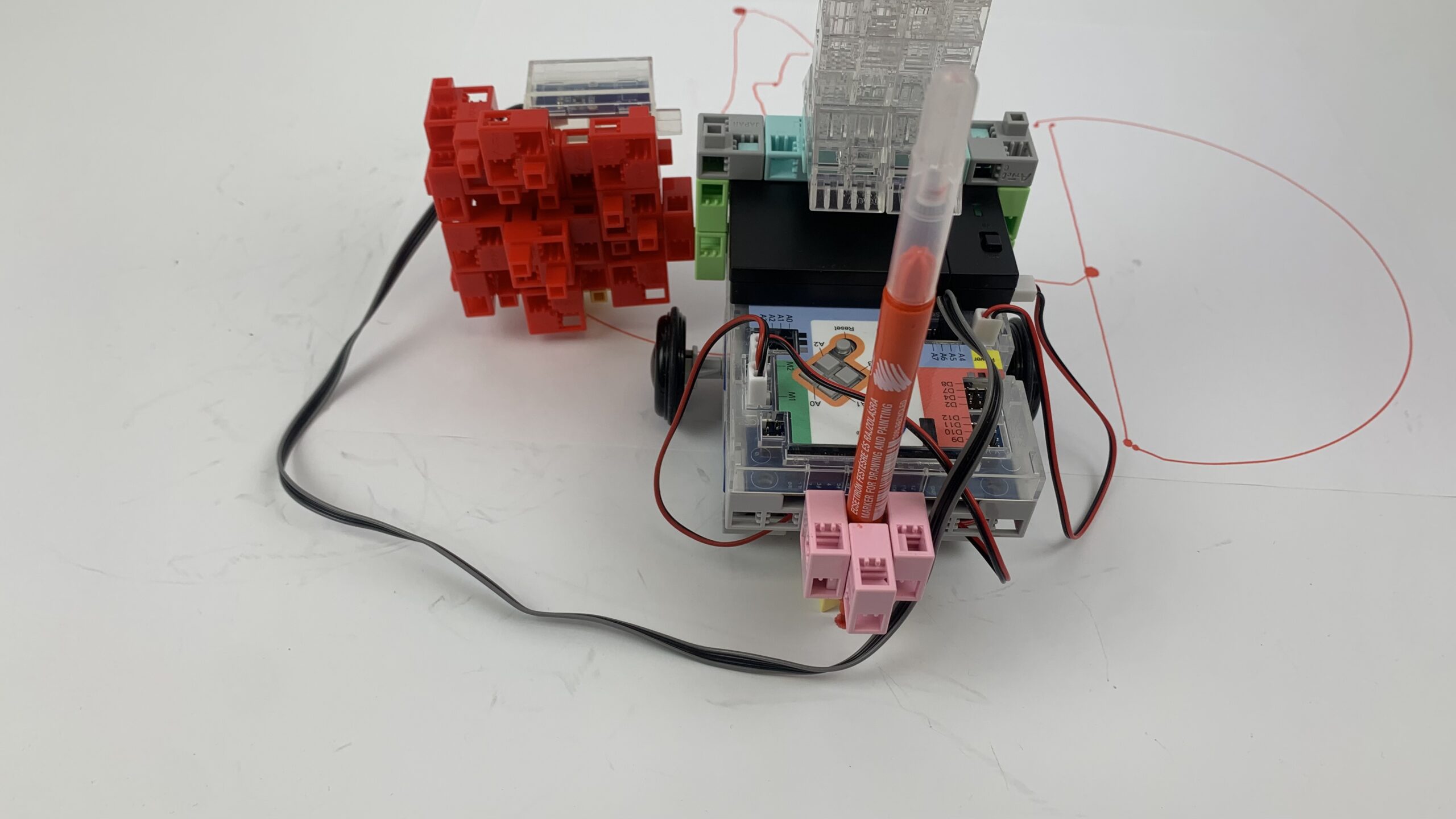
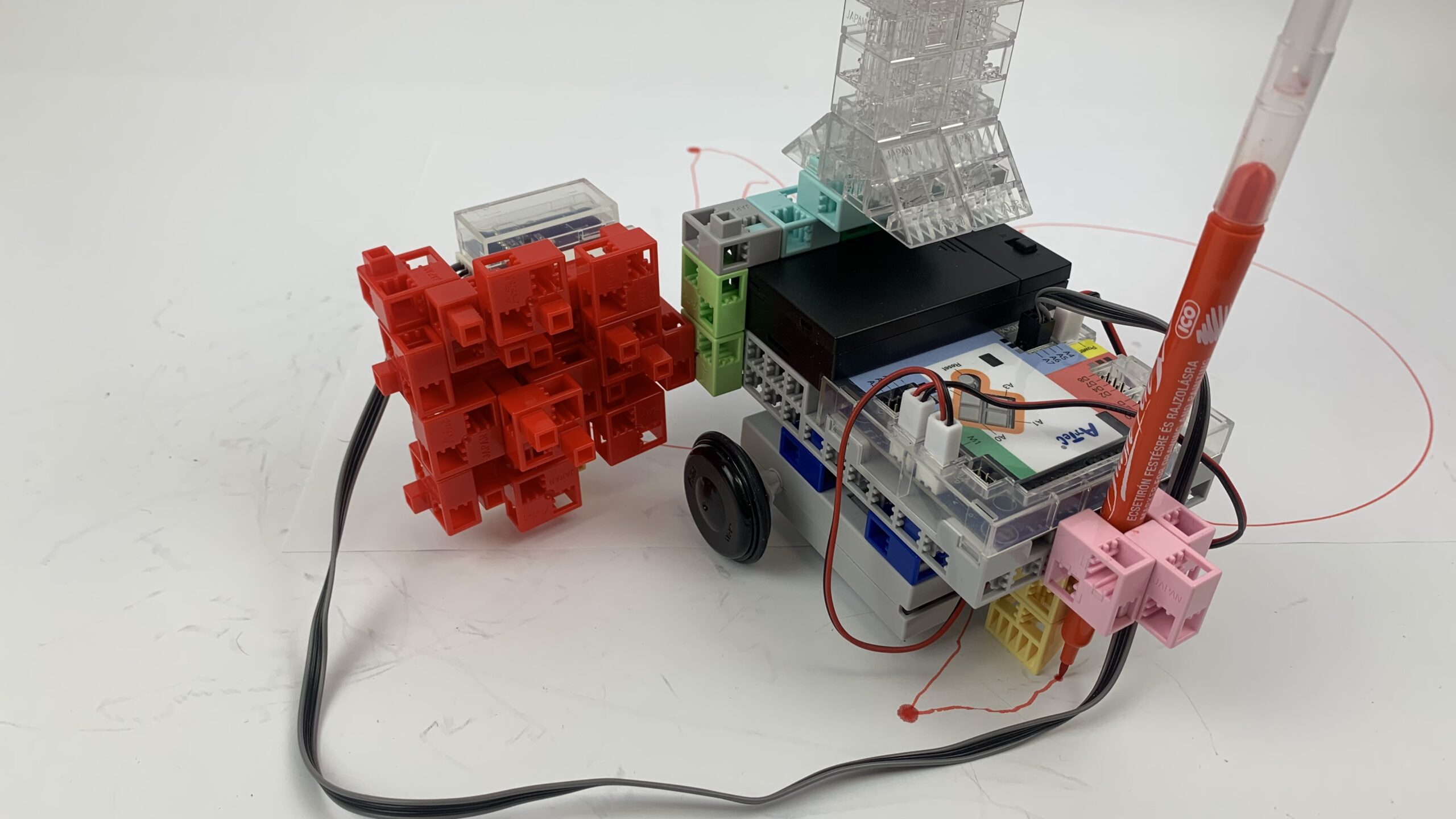
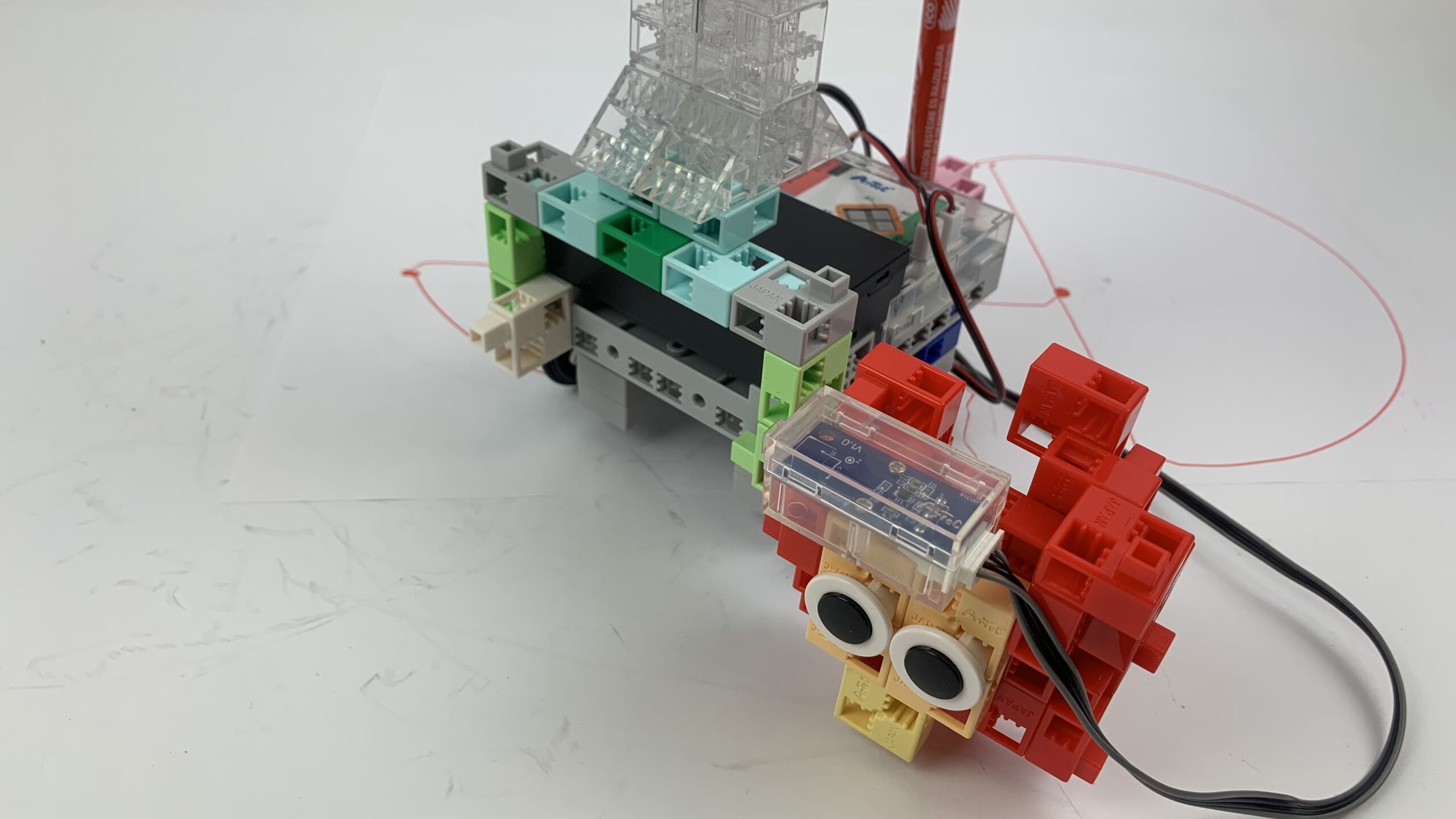
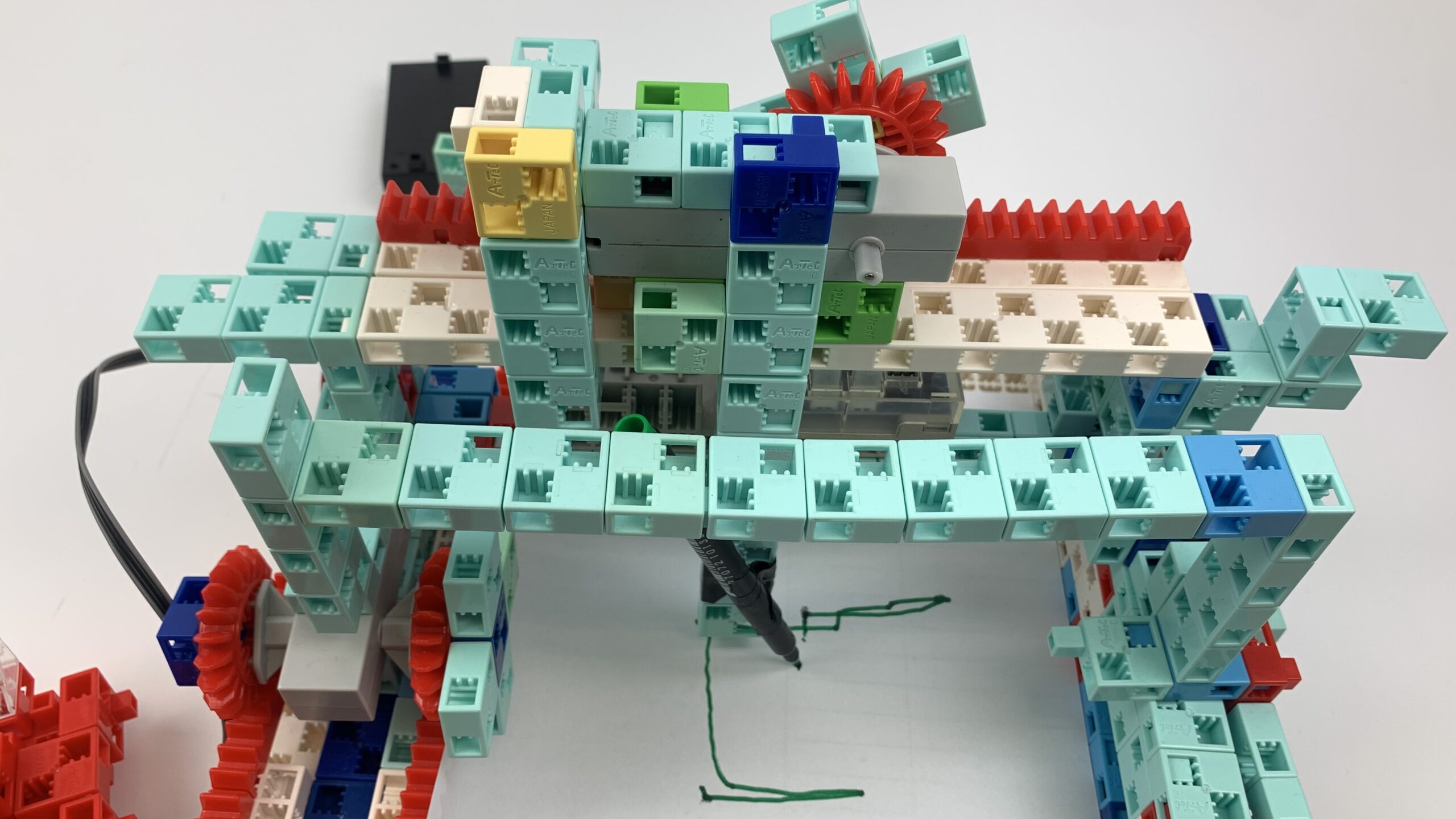
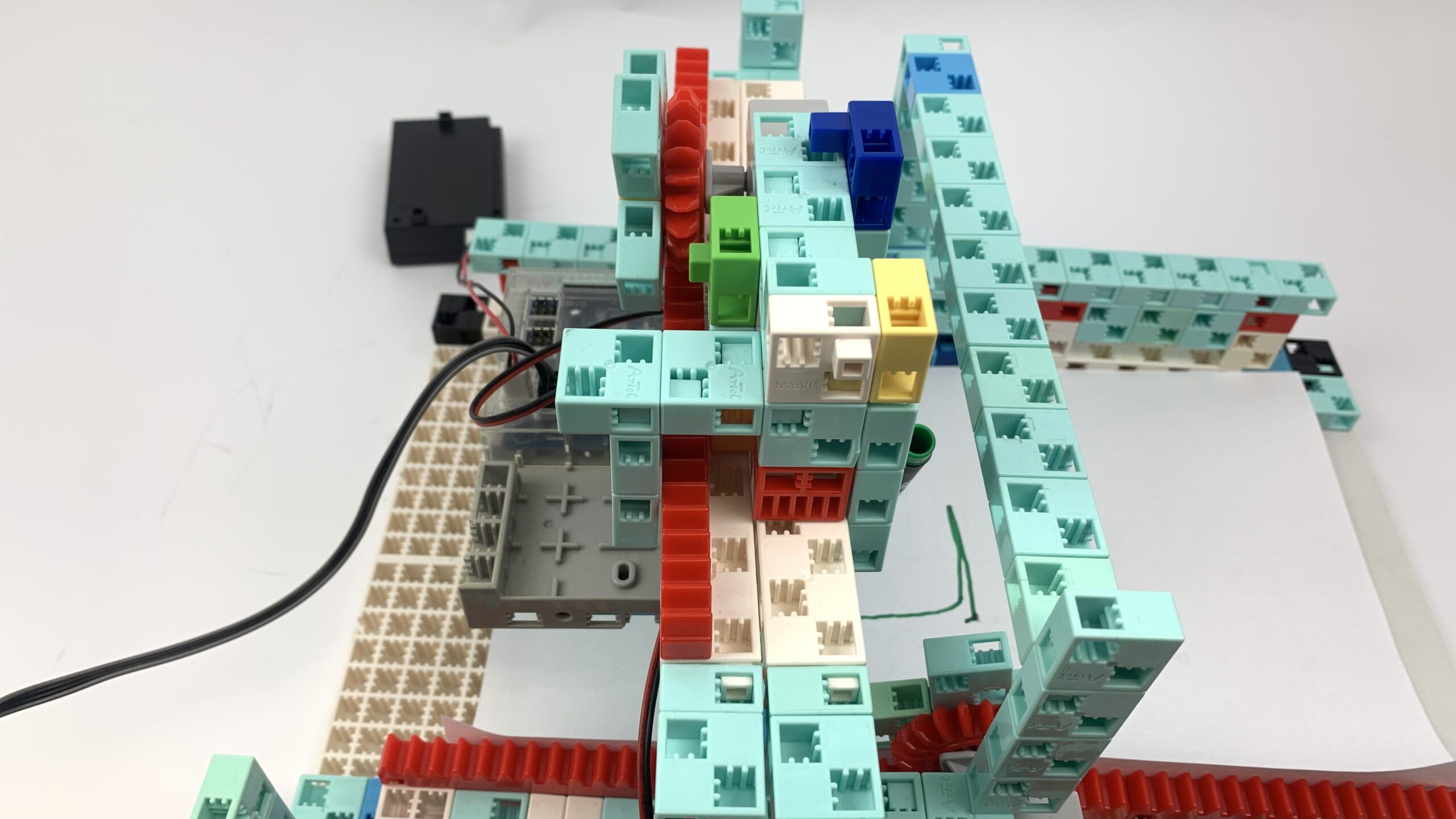
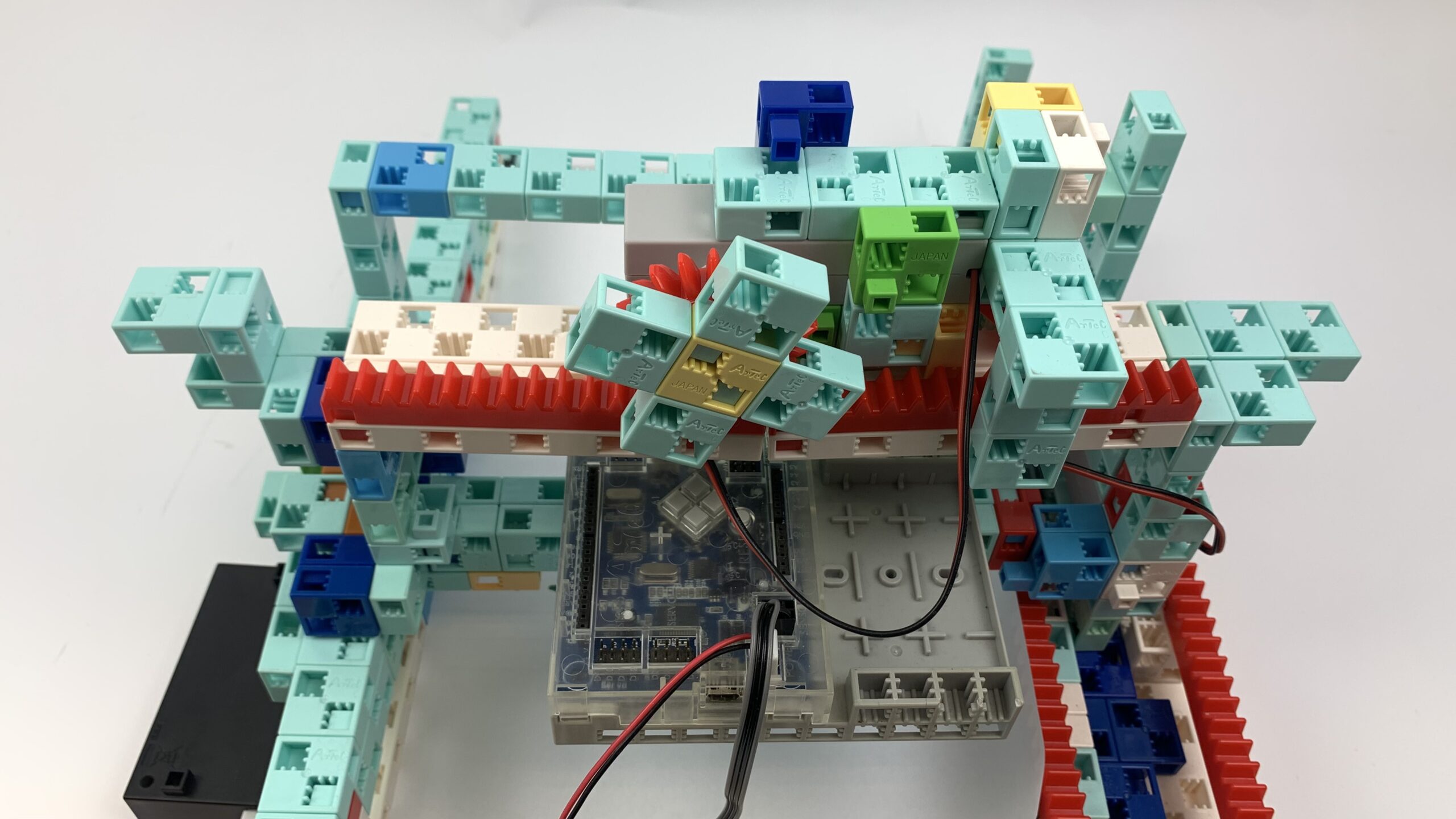
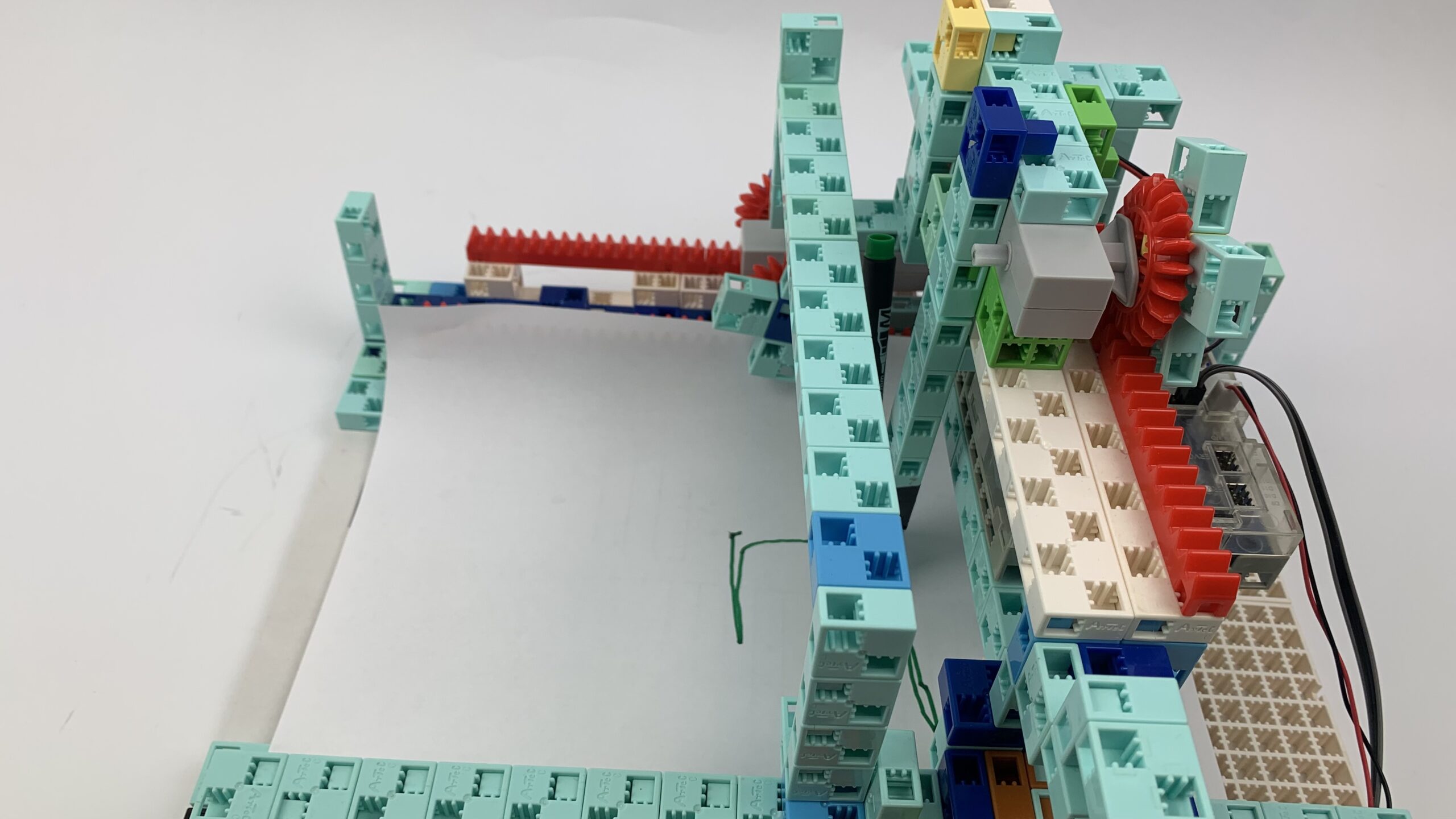
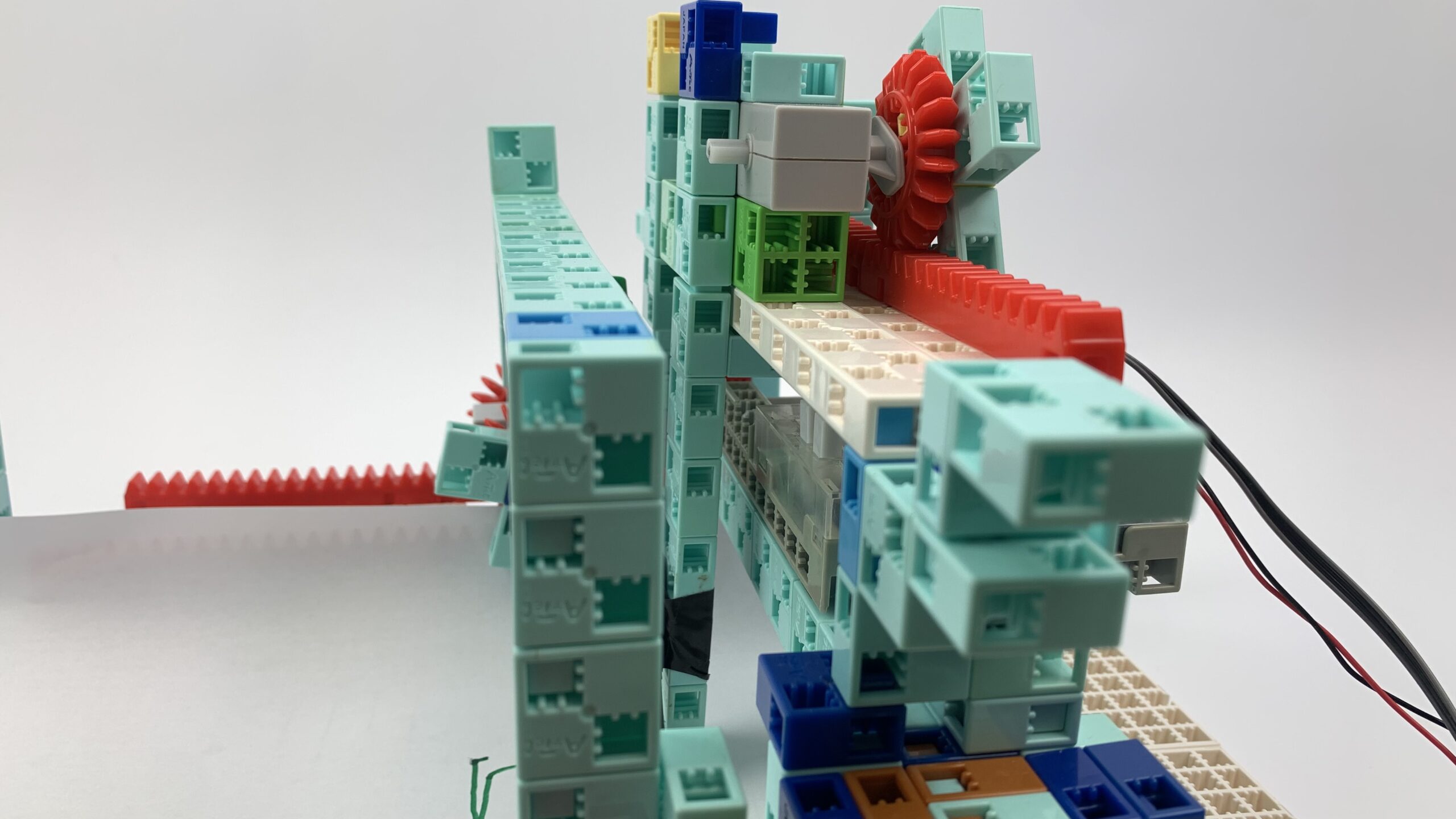
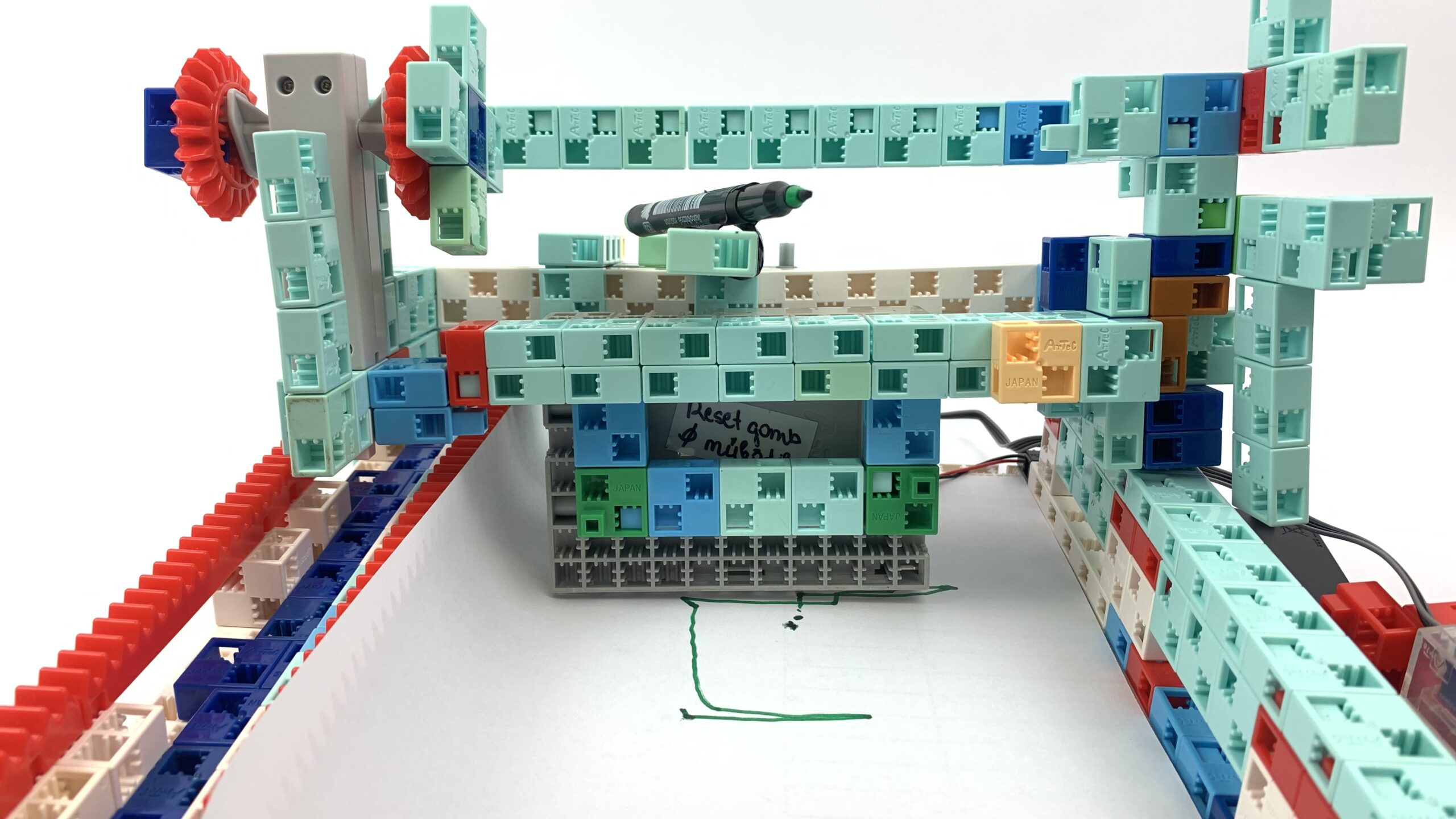
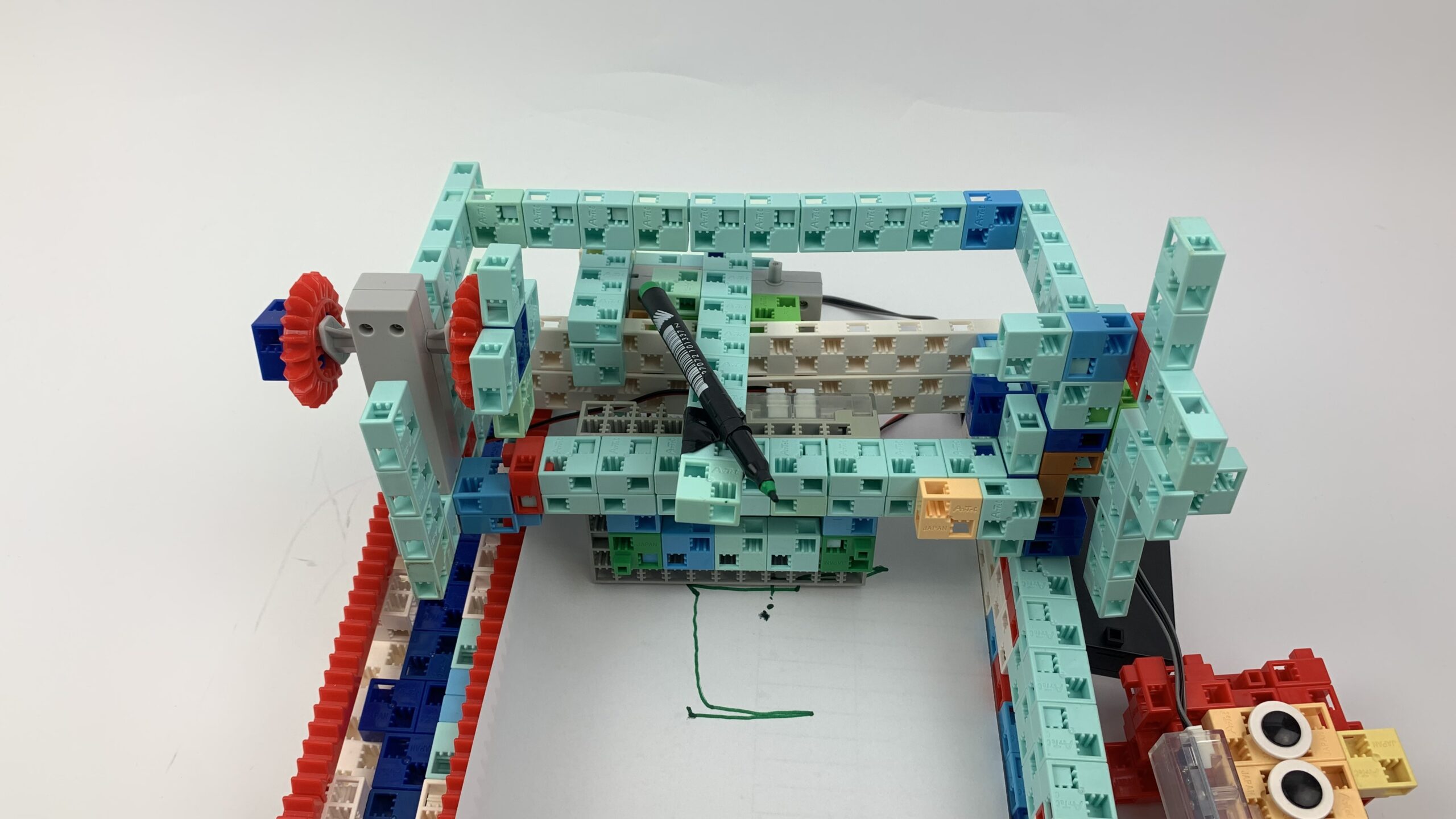
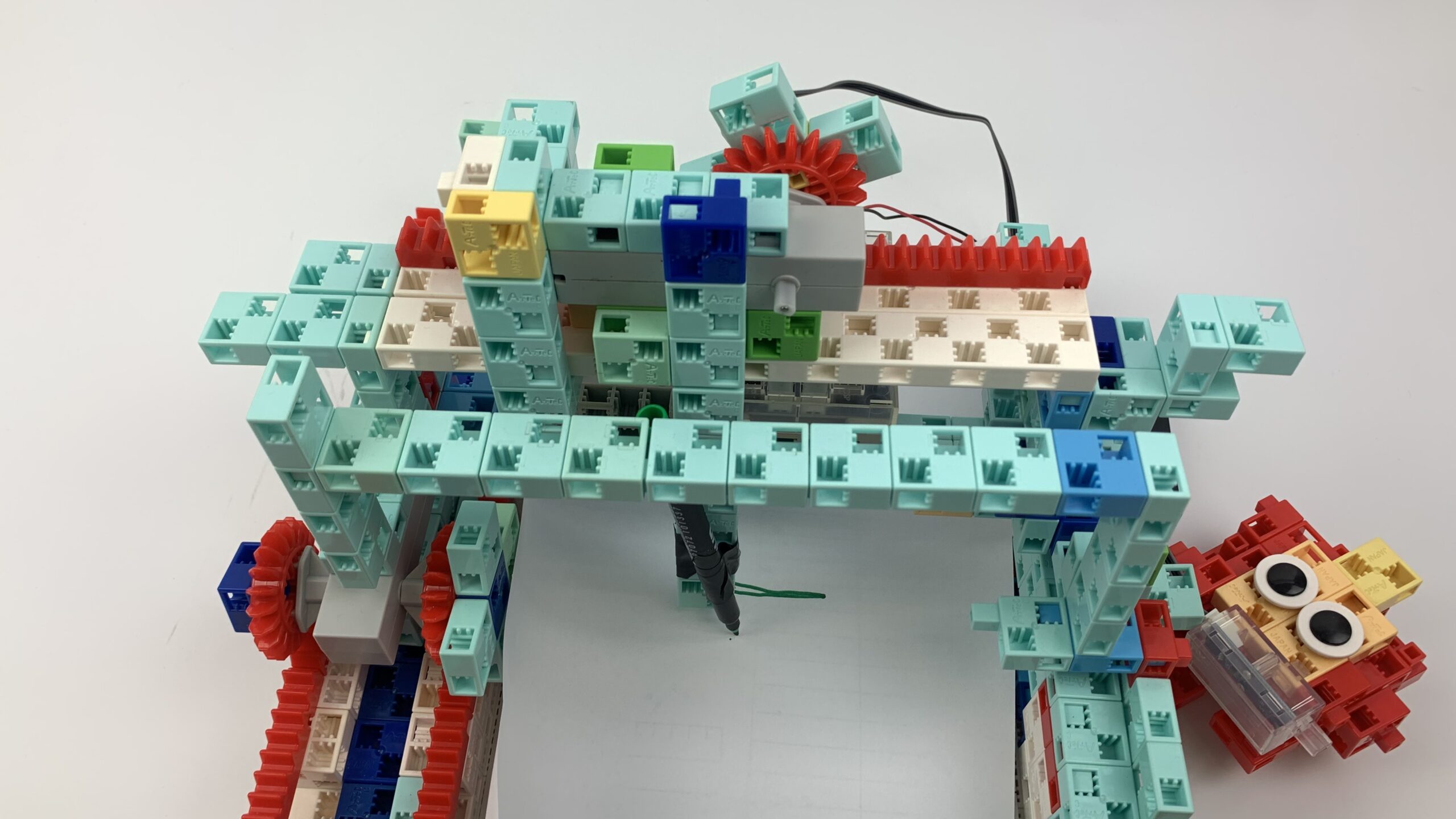
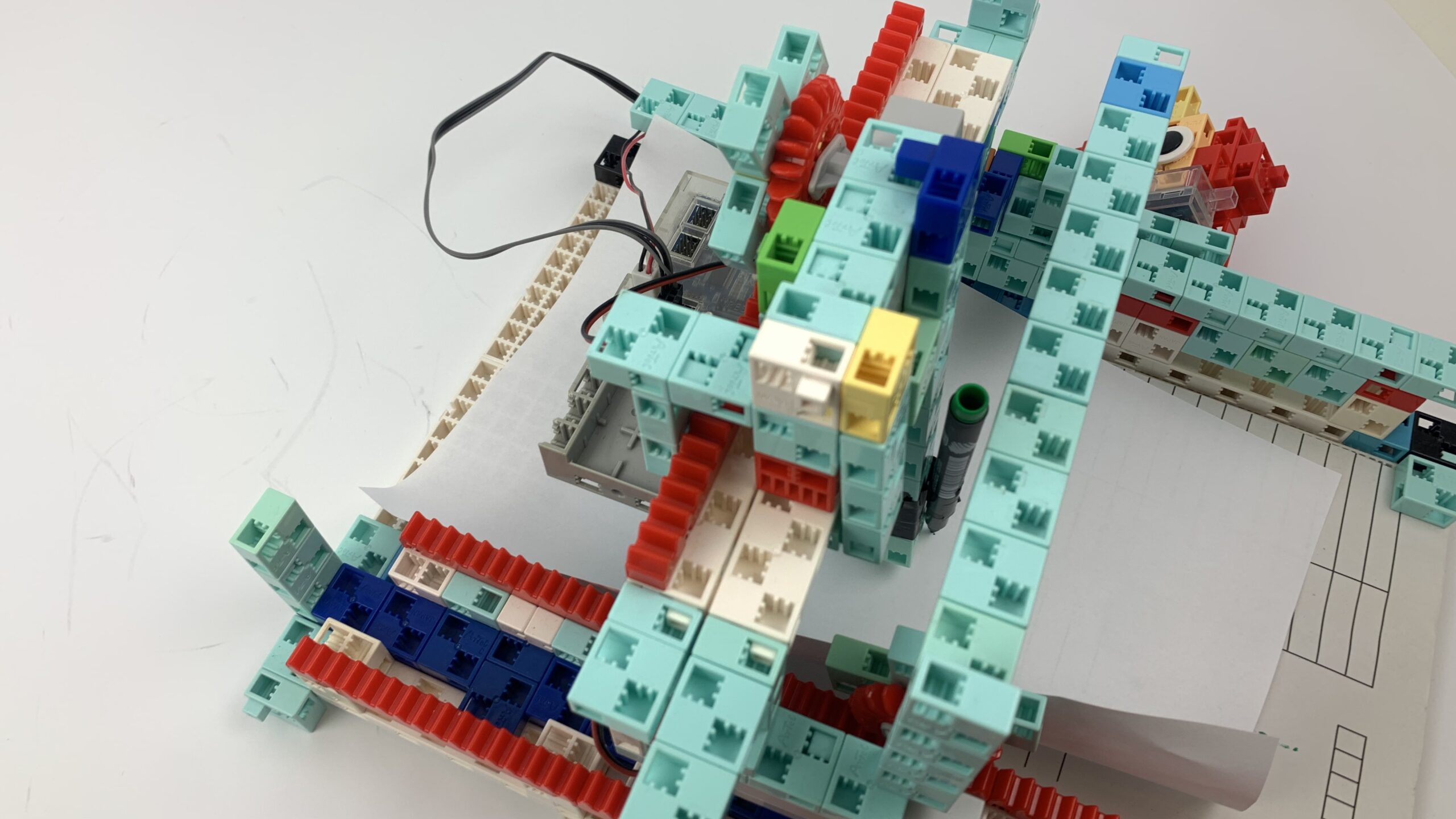
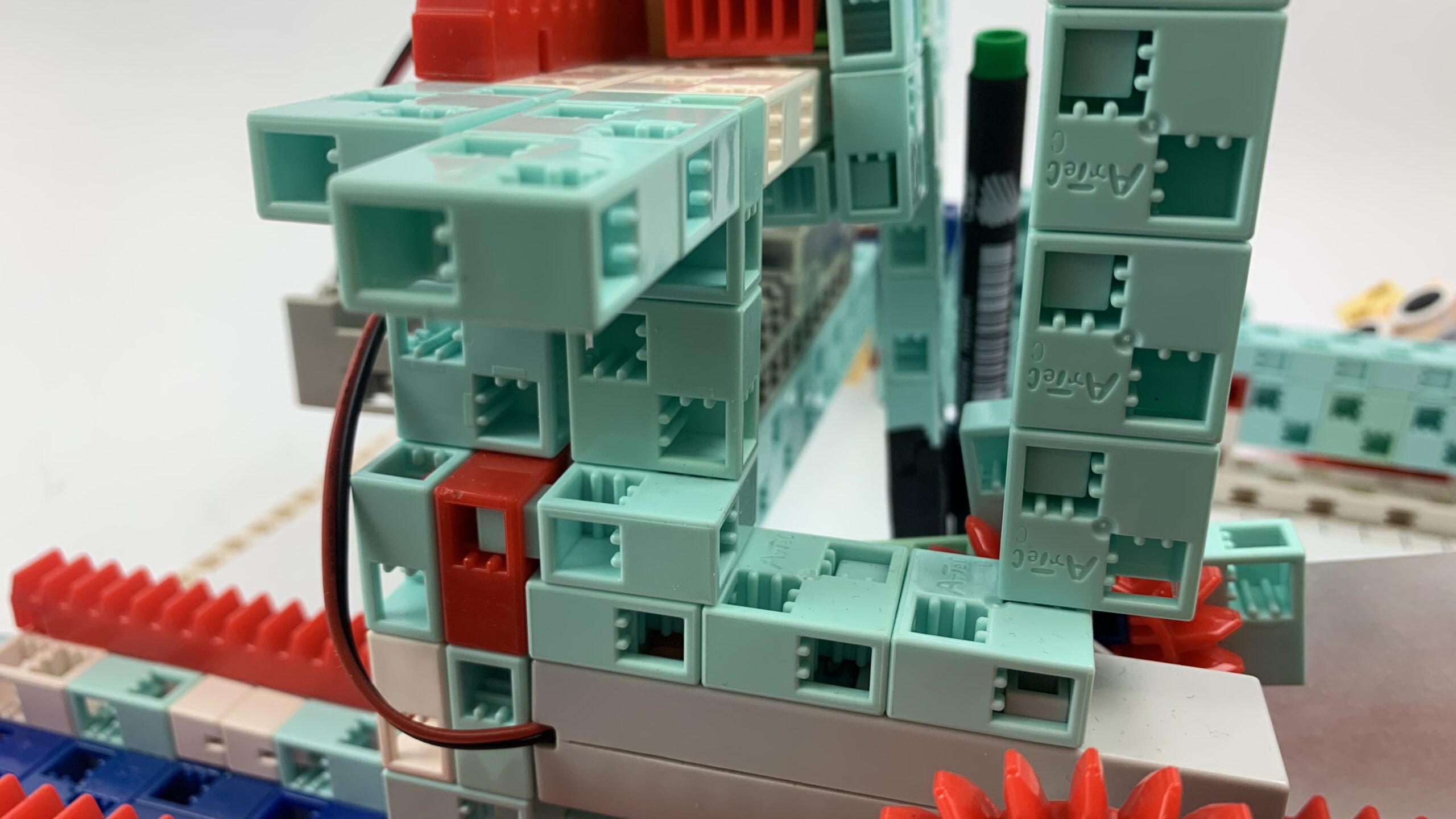
  • Build a drawing robot to represent an invisible hand scribbling ships on the drawing sheets
  • Experiment with different programs. The user should have a choice of 3-4 figures and should be able to choose what the robot draws. This can be solved with push buttons, for example.

P3

The robots

P3

P3

Programming level 4

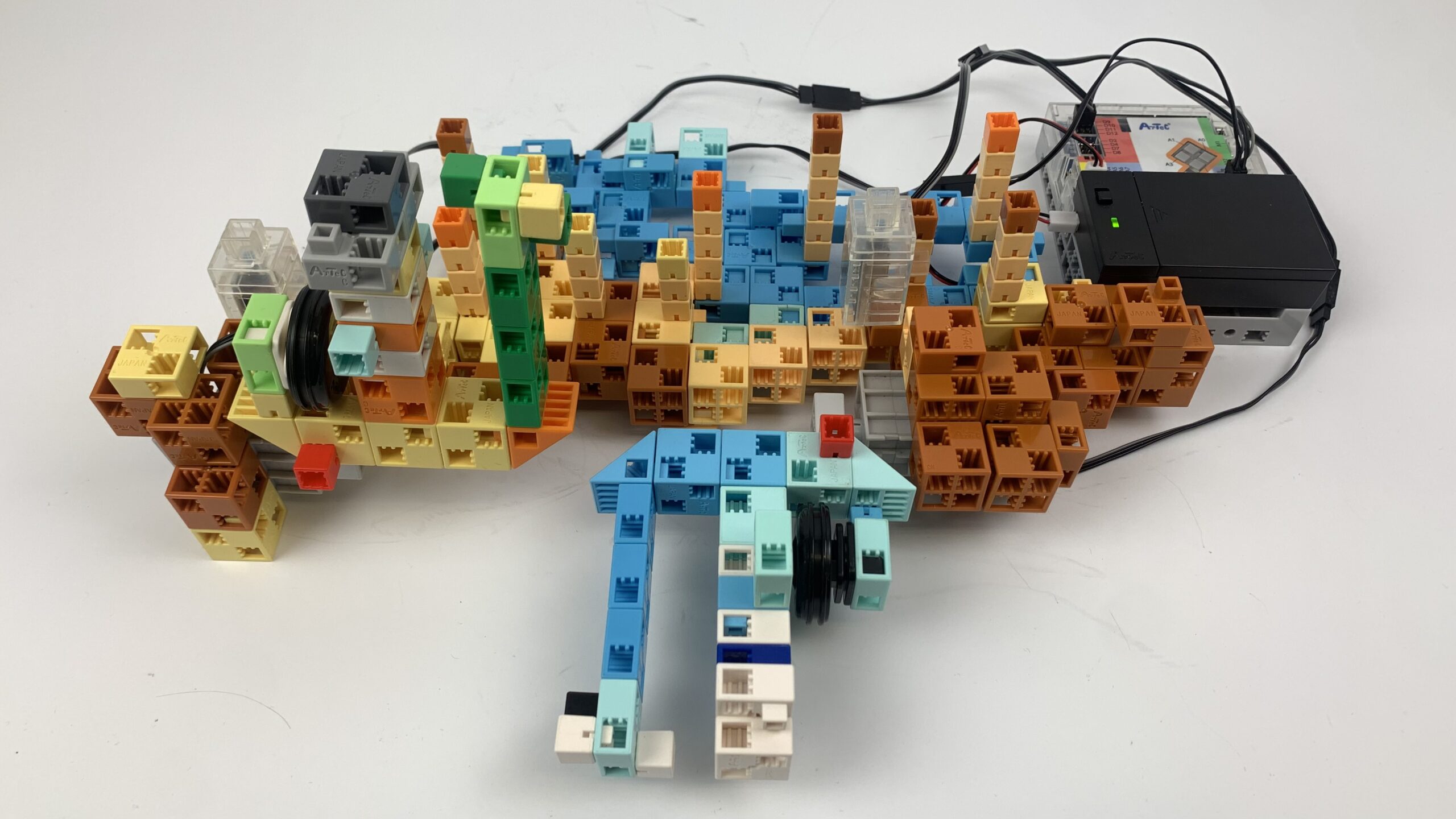
Chimney sweep

P4

How to build

The robots

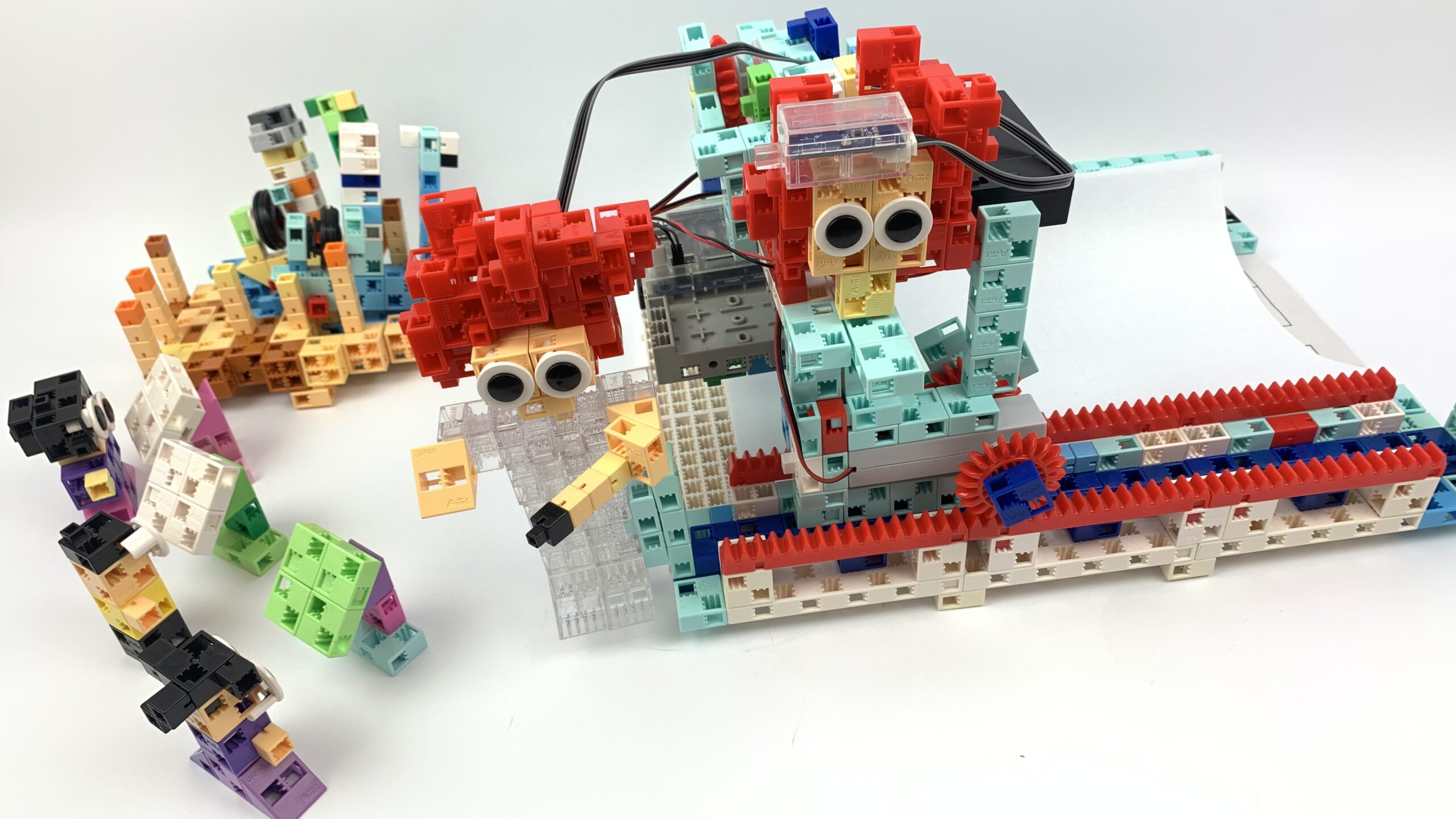
  • Build the figure of a chimney sweep who can climb onto the roof, e.g. on all fours. Use cogwheels and bars for its movements.
  • Once at the top, the figure raises and lift his hand with the broom. Both movements can be performed using servomotors.
  • The chimney sweep lowers his broom into the chimney and pulls it back again. Add a string to your figure, with a black block (broom) at the end. The lowering and raising is done using a DC motor that can wind the string onto a suitable spool.

P4

The robots

P4

P4